Report #20
Project: shop siyadatech.studio
2026-03-01 14:15:52
Description
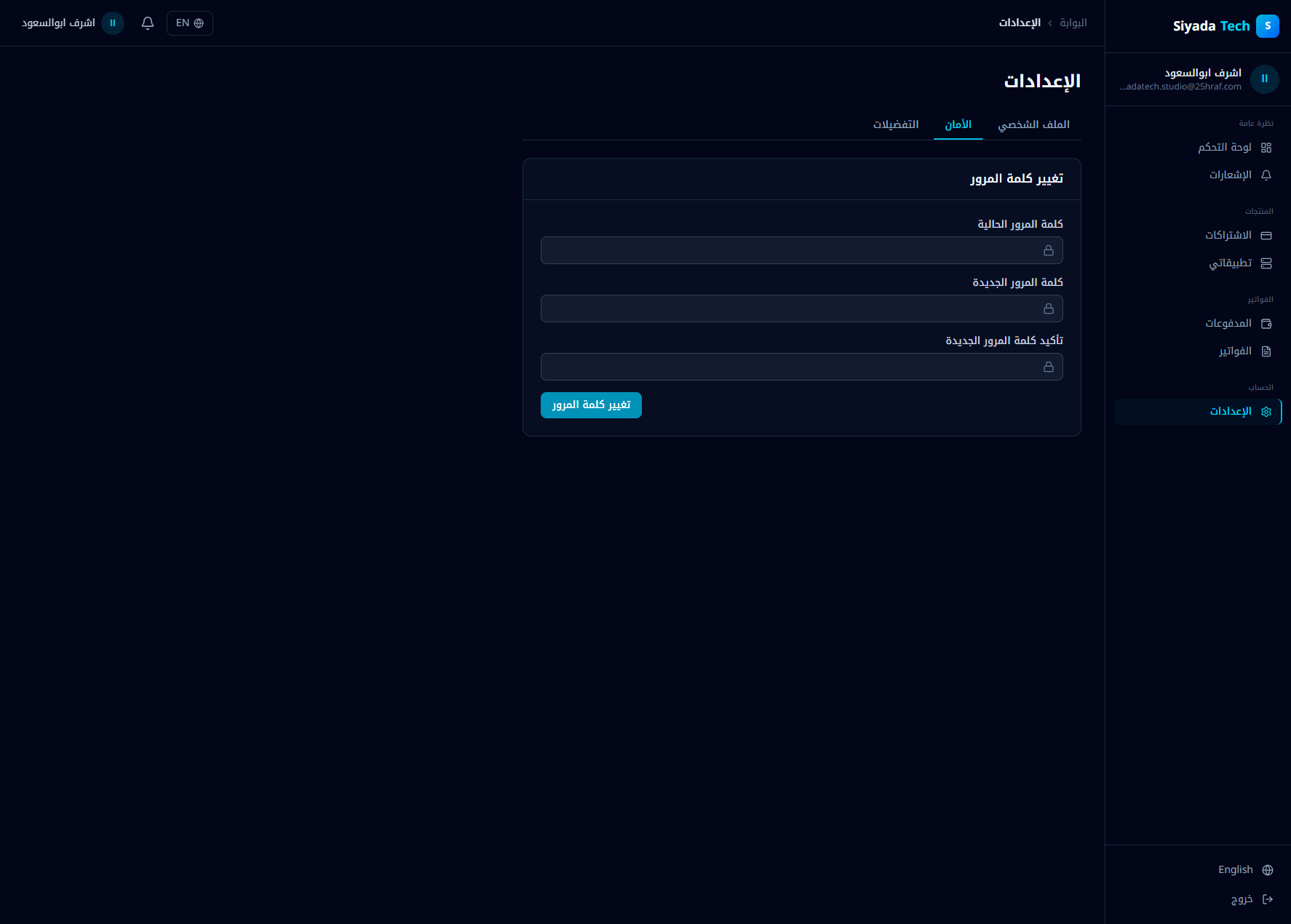
Issue description After successfully changing the account password from Settings → Security, no email notification is sent to the user confirming that the password was changed. Additionally, there is no “If this wasn’t you” rollback/recovery email. This creates a security gap: Users are not informed of critical account changes. There is no immediate recovery path if the password was changed by an unauthorized actor. The system does not provide audit visibility for high-risk actions. Expected behavior When a password is changed successfully: The user should immediately receive a security notification email. The email should include: Confirmation that the password was changed. Timestamp of the change. Device/IP metadata (if available). A secure link to report unauthorized change (“If this wasn’t you”). If the password change was unauthorized, the user should be able to: Trigger forced logout of all sessions. Reset the password again securely. Acceptance criteria After password change: A confirmation email is sent within a few seconds. The email includes: Clear subject (e.g., “Your password was changed”). Change timestamp. Security advisory. Secure recovery/reset link. If the password change was not initiated by the user: Clicking the recovery link: Invalidates all sessions. Prompts secure password reset. Email is localized (Arabic/English based on user preference). No password change completes silently without triggering a security notification.
Screenshots & Video