Report #2
Project: Lenci R1 V0.1.8
2026-02-25 22:57:12
Description
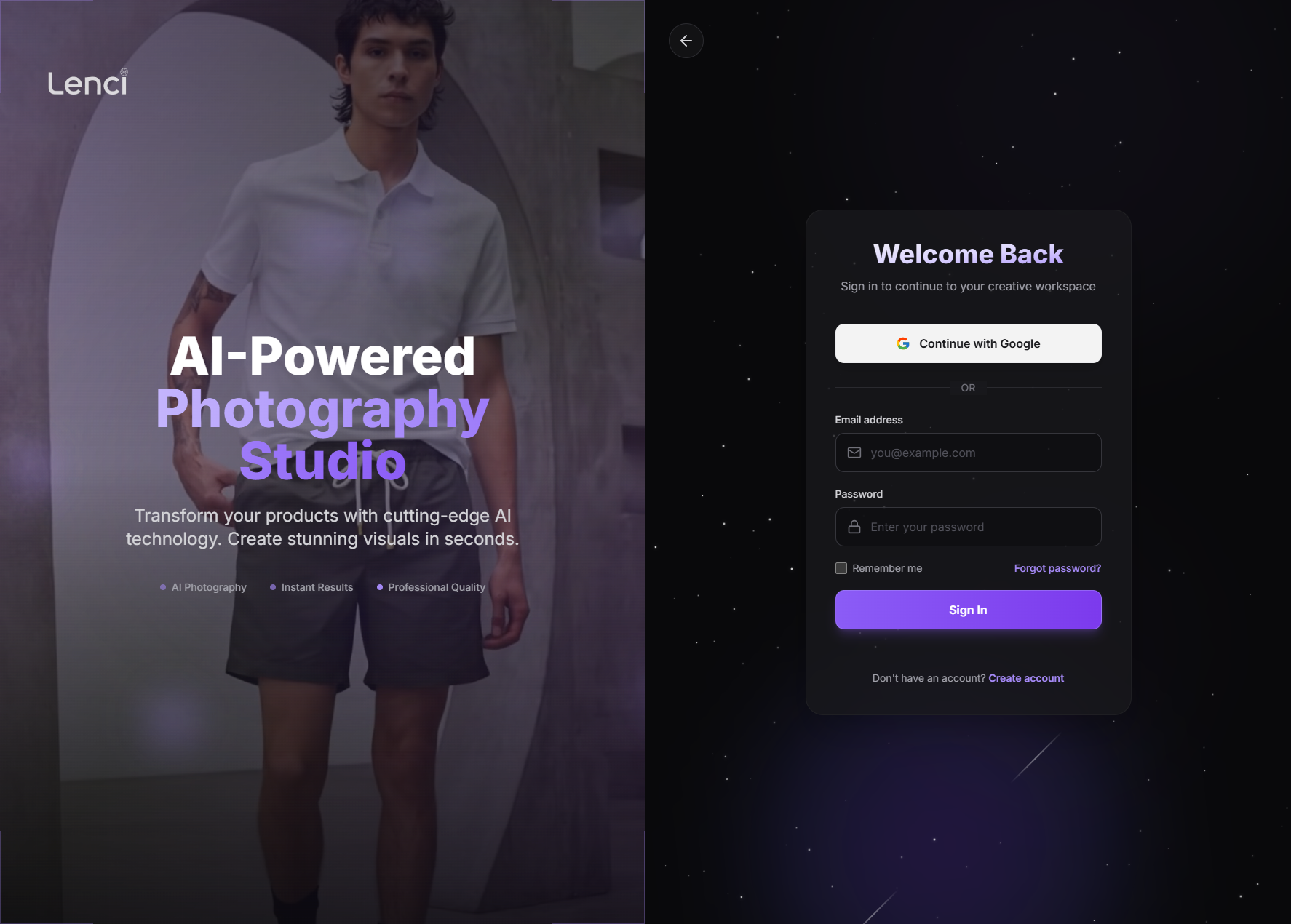
Issue Description After logging out, the app correctly routes to the Login screen, but it still loads the Landing Page (marketing) assets in the background (hero image/landing layout resources). Those landing assets include missing files, which results in multiple 404s + console errors on a page that should be “clean” (login only). This creates: Noisy console (hard to debug real auth issues) Slower login page load (unnecessary network + render work) A “broken” impression (missing assets/errors visible in devtools) Risk of layout flicker if landing CSS/images are partially applied Expected Behavior On logout → redirect to /login: Only auth/login JS/CSS/images should load. Landing/marketing bundles should not be requested at all. Console should be error-free (no missing asset spam). The login route should be fully isolated from landing page layout/components. Implementation Recommendations 1) Fix routing/layout composition (most common root cause) Likely cause: The login route is still rendered inside the same “Marketing/Landing Layout” wrapper (or a shared AppShell) that imports landing assets. Recommended structure: PublicMarketingLayout → only for /, /pricing, /about, etc. AuthLayout → only for /login, /signup, /forgot-password AppLayout → only for authenticated app routes Make sure /login is not a child of the marketing layout in your router tree. ✅ Result: landing bundles won’t be imported, so assets won’t load. 2) Prevent “global” landing asset imports Check for: import './landing.css' inside a global entry (App.tsx, main.tsx, root layout) Background hero images referenced in global CSS (e.g., body { background-image: url(...) }) A landing component imported by the login page “just for shared UI” Fix: Move landing-only CSS/images into: landing route chunk only, or CSS modules scoped to landing component, or lazy-loaded import in landing page component. 3) Stop preloading/prefetching landing resources on logout/login Even if layout is correct, you might be explicitly prefetching: rel="preload" / rel="prefetch" tags framework route prefetch (Next/router prefetch, React Router data prefetch, etc.) service worker caching/prefetch logic Fix options: Disable route prefetch for landing from auth routes Only prefetch marketing routes when user is actually on marketing pages 4) Handle logout transition cleanly (avoid “old page still alive” effects) If logout just clears token but keeps app mounted, the previous route may keep running effects that load assets. Best practice flow: await logout() (server revoke if applicable) Clear auth state + caches navigate('/login', { replace: true }) Hard reset any marketing/app specific state if needed Also ensure any landing/marketing components are unmounted completely. 5) Fix the missing assets (secondary, but still needed) Even after isolating login, you should still fix the broken landing assets: Missing files should not exist in production builds Validate paths/case-sensitivity (Linux deploys will 404 on case mismatch) Ensure assets are included in build output and correct base path (PUBLIC_URL, base, assetPrefix) Quick Debug Checklist (fast way to pinpoint) Open DevTools → Network → filter by img, css, js Logout → watch what loads If you see landing bundles: route/layout issue If you see only login bundle but hero images: global CSS background or preload tags If assets request URLs look wrong (/assets/... vs /app/assets/...): base path/config issue
Console Output
login.html?force=1:1 [DOM] Input elements should have autocomplete attributes (suggested: "current-password"): (More info: https://goo.gl/9p2vKq) <input placeholder="Enter your password" required aria-invalid="false" class="w-full p-3.5 ps-12 rounded-xl bg-zinc-950/50 text-zinc-100 border transition-all duration-200 placeholder:text-zinc-600 hover:border-zinc-600 border-zinc-700/80 focus:ring-2 focus:ring-violet-500/50 focus:border-violet-500" type="password" value> login.html?force=1:40 GET https://test-lenci.siyadatech.studio/assets/product-showcase/product-4.jpg 404 (Not Found) login.html?force=1:40 GET https://test-lenci.siyadatech.studio/assets/product-showcase/product-5.jpg 404 (Not Found)
Screenshots & Video